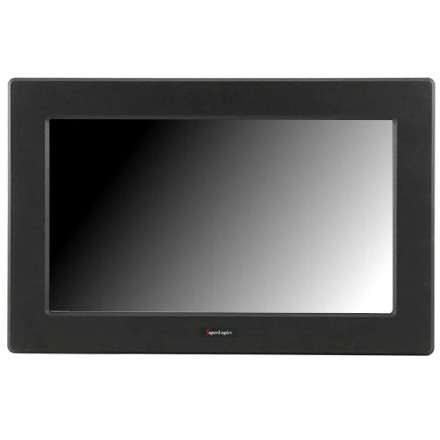
The SuperLogics SL-LCD-19AW-RTOUCH-1-RC touchscreen monitor uses an eGalaxTouch driver to enable touchscreen functionality in Windows. The driver package eGalaxTouch_5.14.0.24308-Release-240108-SingleTouchDev-2.zip includes a setup.exe installer, along with separate 32-bit and 64-bit INF files for manual driver installation. The package supports Windows versions dating back to Windows 2000.
Installation Instructions
- Download the driver: Save the eGalaxTouch ZIP archive to your computer.
- Extract the files: Right-click the ZIP file and select Extract All.
- Run Setup: Open the extracted folder and double-click
setup.exe. - Install the driver: Follow the installation wizard to install the eGalaxTouch touchscreen software.
- Connect the touchscreen: Ensure the monitor's USB touchscreen connection is plugged into the computer.
- Restart Windows: Restart if requested to complete the installation.
- Calibrate the touchscreen: Open the eGalaxTouch control panel and use the calibration utility to align touch input with the display.
Manual INF Installation
If the setup program does not install the driver automatically, you can use the included INF files:
- 32-bit Windows: Use the 32-bit INF driver.
- 64-bit Windows: Use the 64-bit INF driver.
Right-click the appropriate INF file and select Install, or use Device Manager to update the touchscreen device driver manually.
Note: Select the INF file matching your Windows architecture. Older operating systems may require additional compatibility considerations or driver-signing settings.
eGalaxTouch Device Driver
File: eGalaxTouch_5.14.0.24308-Release-240108-SingleTouchDev-2.zip
f2428fe23a199ffe6173d5806d850ed7f586a79a75ef53c3e22ea998be728e00