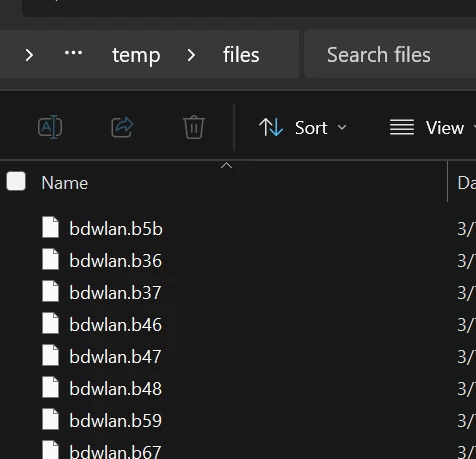
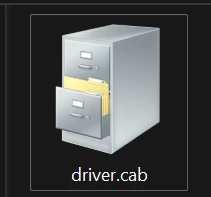
To Extract .cab files on Windows using Power Shell such as this example:
Image
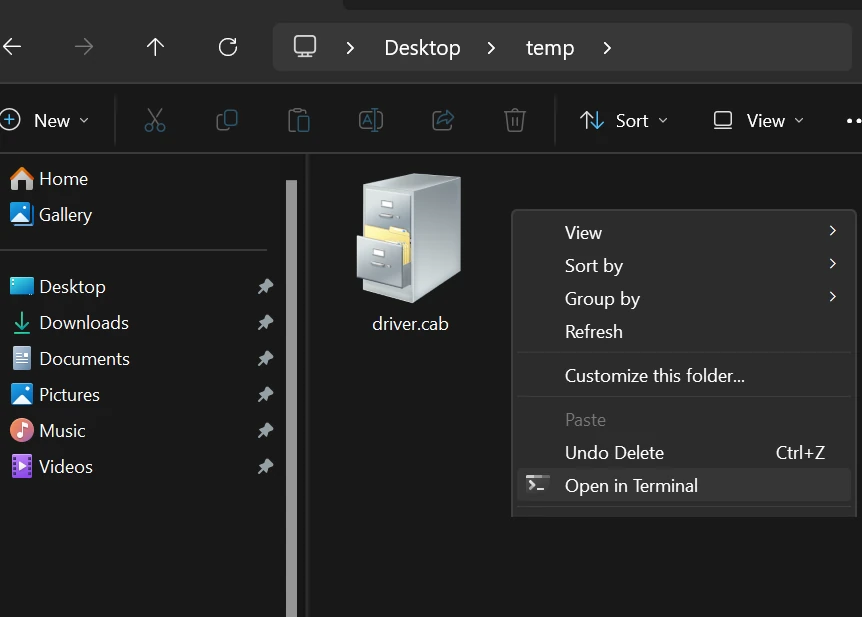
In the Windows area where your file is you cab, right click and click Open in Terminal.
Image
The following is the syntax to Extract the Driver.cab Extrac32 /E driver.cab /L "C:\Users\default\Desktop\temp\files"
Image
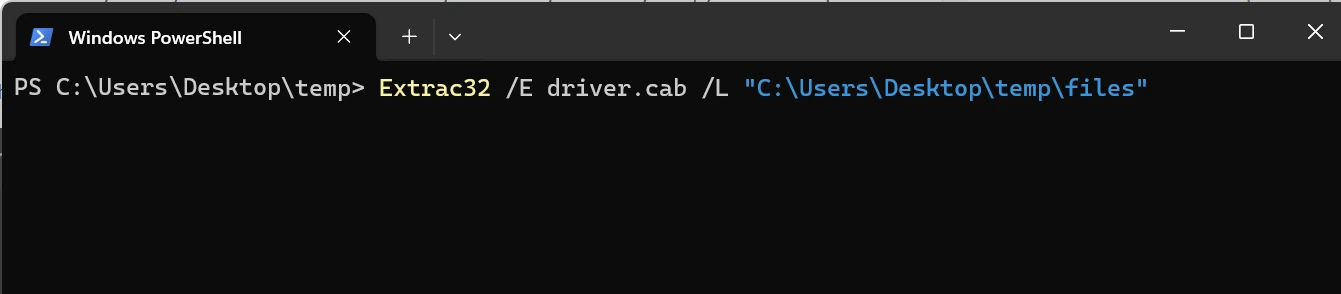
The command is: Extrac32 the /E is for Extract the /L is for the location where we want to extract. If a folder doesn't exist that is specified in the the location, it will be created when the command is executing.
Image