
🧱 Device
#️⃣ Model No.
382
Also Known As
marevic 382
BMDSAE 382
Temodu Kids
OAEBLLE Kids
BEBANG PM1000
Interface/port(s)
Video Technology
Operating System(s)
The Kids Microscope 382 software provides a simple standalone camera program for viewing images from compatible USB microscope cameras on Windows computers.
Quick install
- Download
camera-kids-microscope-382.zip. - Right-click the ZIP file and select Extract All.
- Open the extracted folder and locate
camera.exe. - Double-click
camera.exeto launch the standalone microscope camera program. - Select HD video from the drop down Device.
Image
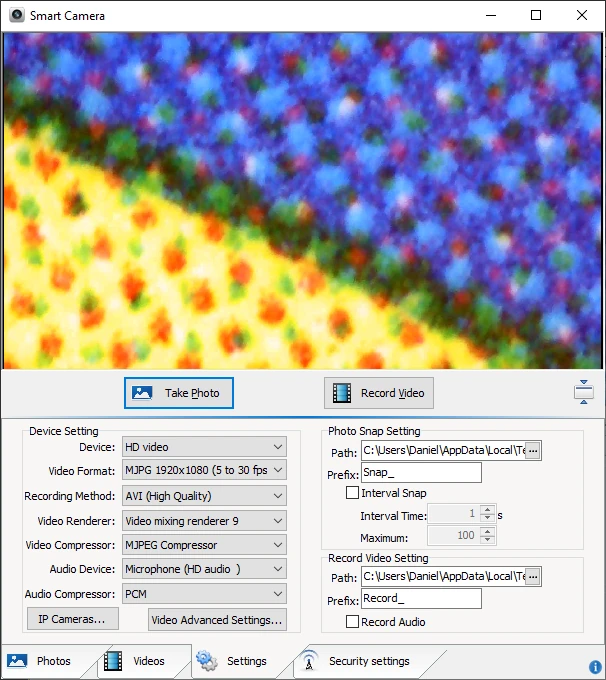
Amcap Video/Photo Driver Software
File: camera-kids-microscope-382.zip
SHA-256 Checksum:
ba882b1442acdc8841d54b3fd0cb13743a063f718bd2deeb6023f9d0281ff06d



