Device
Manufacturer
Model No.
GL-01
Interface/port(s)
Port(s)
Operating System(s)
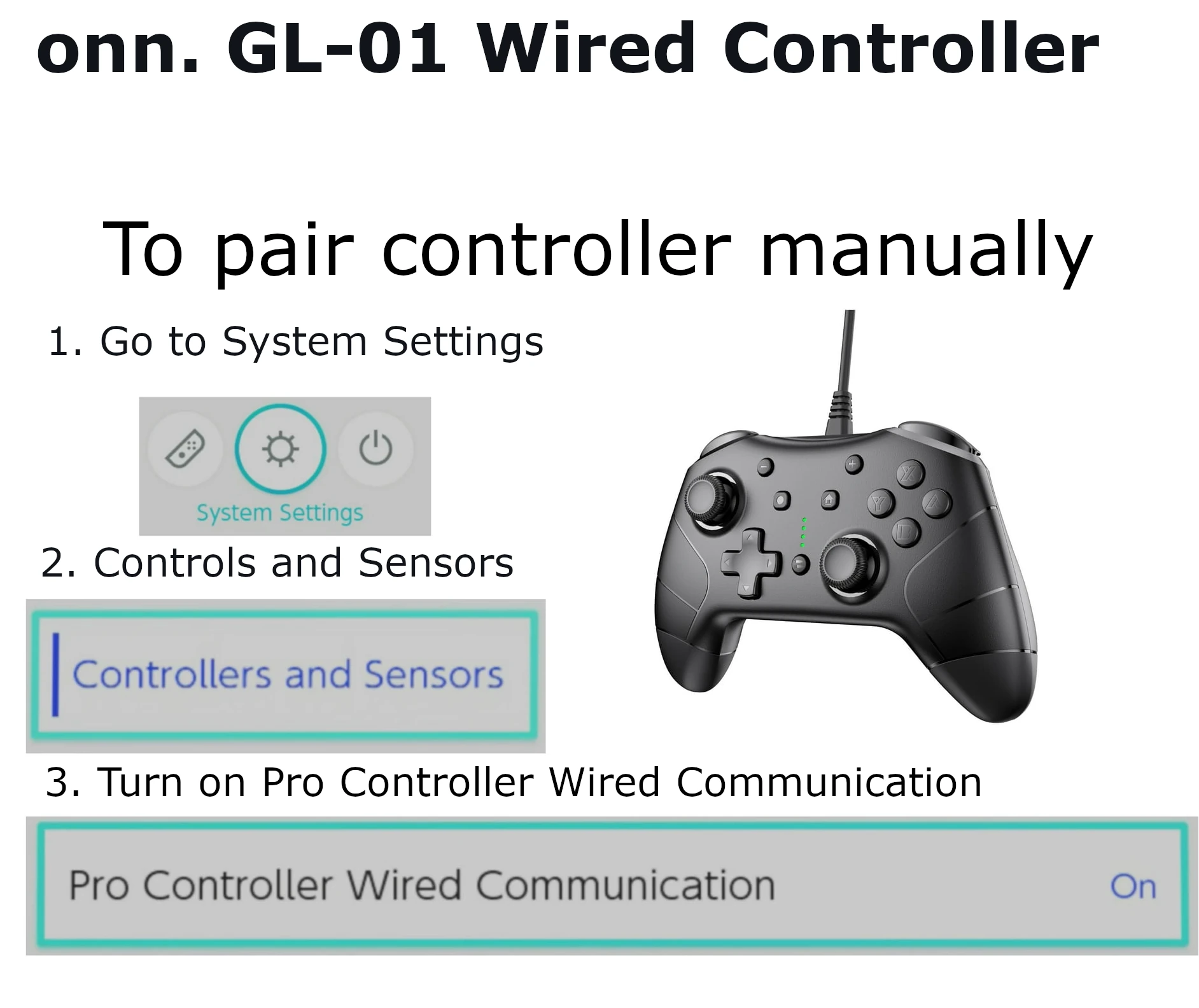
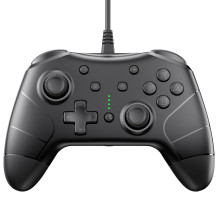
How to setup the onn. GL-01 Wired Controller Switch/PC Setup on a Nintendo Switch, note if you use this on a Switch 2 there will be no C button for chat... but other than that it should work ok.
- Connect the ONN. GL-01 Wired Controller to an available USB port on your Nintendo Switch dock or Windows PC.
- Wait for the system to automatically detect and configure the controller. No additional drivers are typically required.
- Launch your game, verify the controller responds correctly, and customize button mappings within the game or system settings if supported.
Image