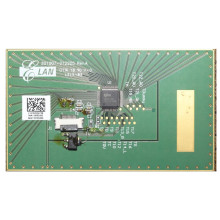
Updates within Windows 11 and Windows 10 can to remove/disable drivers for some HID devices. Depending on what type of laptop you are running the I2C HID Touchpad Device Driver will vary. The most common touchpads are Synaptics and ELAN drivers for these touch pads can be found at these pages also direct links will be placed to below. You may need to install the drivers manually. IF you have a Dell or a Lenovo Laptop it is best to check your model on the OEM’s website, because they may have a driver that has been customized for a particular model. If at some time you opened up your laptop at the same time as the upgrade around make sure you didn't disconnect the small ribbon cable that goes from the mainbboard to the touchpad.
ELAN I2C Filter Driver
File: Touchpad_ELANTECH_13.6.18.1_W10x64_A.zip
887574e599f4d9e13532f189ed9833ac6406a388616cf6bf30f66b0bbd9c24d8
ELAN I2C Filter Driver
File: elantech_touchpad_13_6_1_1_driver.zip
5c2bdddbe469a5e789d0fa896430577a17c6b84fcbb5e9130f707577f040771c
(Lenovo) Touchpad Driver (Synaptics, ElanTECH)
File: 0qto10ww.exe



