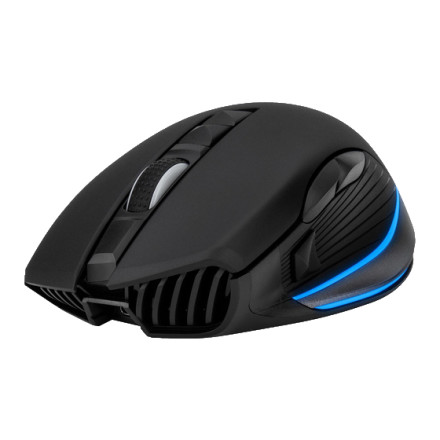
🧱 Device
🏗️ Manufacturer
#️⃣ Model No.
M61
Interface/port(s)
FCC ID
W6R-M61
Year
Operating System(s)
Quick Install
- Plug the wireless USB receiver of the NEON M61 to a USB port on your PC or Laptop.
- Download the
NEON_M61_Setup_v3.1_20190530.zipbelow. - Unzip the files and double-click "NEON M61.exe" to start the installation program.
- Installation will run automatically; click "Finish" to complete the installation.
Rosewill NEON M61 Driver
File: NEON_M61_Setup_v3.1_20190530.zip
SHA-256 Checksum:
6c868d84dee930496e6b52a05b5273a779fbdc52d27285f1a9c93eb13df6683b



