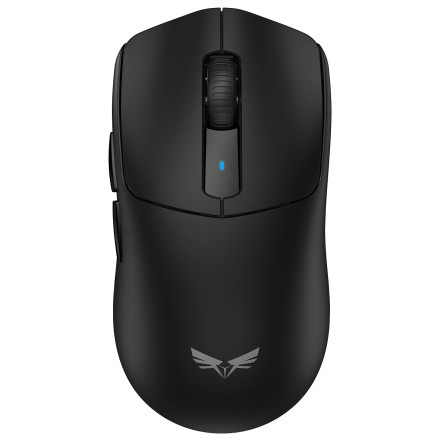
🧱 Device
🏗️ Manufacturer
#️⃣ Model No.
TK-GM012
Interface/port(s)
ASIN
B0H36HHWKV
Operating System(s)
The TECKNET TK-GM012 Gaming Mouse uses dedicated software to configure its gaming features and customize available mouse settings. The driver package is provided as a ZIP archive containing the installer TK-GM012-1.0.0.5.exe.
Installation Instructions
- Download the driver: Save
TK-GM012.zipto your computer. - Extract the ZIP file: Right-click the downloaded file and select Extract All.
- Locate the installer: Open the extracted folder and find
TK-GM012-1.0.0.5.exe. - Run Setup: Double-click the EXE file. Select Yes if Windows displays a User Account Control prompt.
- Install the software: Follow the setup wizard instructions to complete the installation.
- Connect your mouse: Plug the TK-GM012 into an available USB port.
- Configure settings: Launch the installed TECKNET software to access the mouse's supported customization and gaming options.
Note: Windows 11 and Windows 10 should recognize the TK-GM012 as a standard USB mouse without additional software. The dedicated application provides access to supported gaming configuration features.
Tecknet TK-GM012 Gaming Mouse Driver
File: TK-GM012.zip
SHA-256 Checksum:
63b0840f3cf504b81e0c82dfef7f1d9c91a6bc12defd73b5daf21ec22aa2ea89