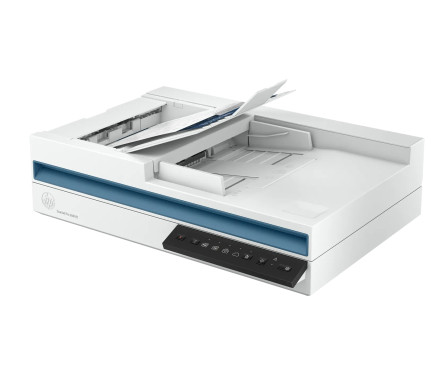
🧱 Device
🏗️ Manufacturer
#️⃣ Model No.
20G05A#BGJ
Interface/port(s)
The HP ScanJet Pro 2600 f1 Driver provides Windows software support for the scanner, enabling document scanning, image capture, USB connectivity, and communication between the ScanJet Pro 2600 f1 and compatible Windows computers.
4 Quick Installation Steps
- Download the HP Universal Scan - Full Feature Software and Driver.
- Run the installer and allow Windows to make changes if prompted.
- Follow the on-screen instructions and connect the ScanJet Pro 2600 f1 when requested.
- Restart Windows if prompted, then test the scanner using your preferred scanning application.



