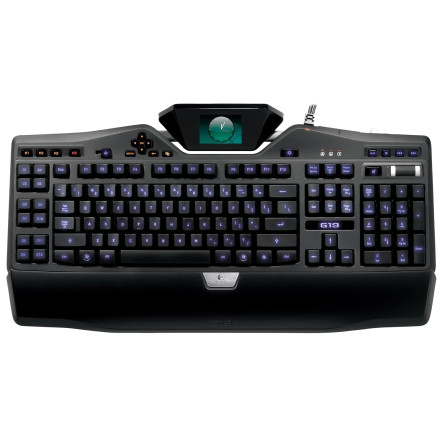
Device
Manufacturer
Model No.
920-000969
G19
Interface/port(s)
Port(s)
UPC
097855056382
778888155739
163120777433
666670039216
763615784788
080850172959
ASIN
B001NXDBI6
Operating System(s)
The Logitech G19 Gaming Keyboard uses Logitech Gaming Software (LGS) to configure its programmable G-keys, LCD display, custom profiles, macros, and backlighting. For Windows 11 and Windows 10 (64-bit), install Logitech Gaming Software 9.04.49 using LGS_9.04.49_x64_Logitech.exe. The G19 is an older keyboard, so Logitech G HUB is not the recommended replacement for its original configuration features.
Installation steps
- Download
LGS_9.04.49_x64_Logitech.exe. - Run the installer as administrator.
- Follow the on-screen instructions to install Logitech Gaming Software.
- Connect the G19 keyboard and open LGS to configure its keys, display, and profiles.



