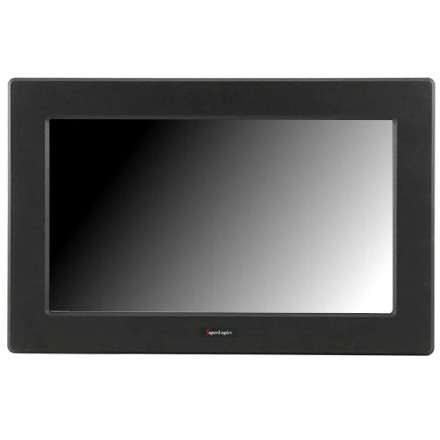
The SuperLogics SL-LCD-19AW-RTOUCH-2 touchscreen monitor uses an eGalaxTouch driver to provide touchscreen functionality in Windows. The driver package, eGalaxTouch_5.14.0.17813-Release-180813-SingleTouchDevice.zip, includes a setup.exe installer and INF files for manual driver installation. It supports a wide range of Windows versions, dating back to Windows 2000, making it useful for restoring touchscreen functionality on older systems as well as compatible newer Windows installations.
Installation Instructions
- Download the driver: Save
eGalaxTouch_5.14.0.17813-Release-180813-SingleTouchDevice.zipto your computer. - Extract the archive: Right-click the ZIP file and select Extract All.
- Run Setup: Open the extracted folder and double-click
setup.exe. - Install the driver: Follow the eGalaxTouch installation wizard to complete the installation.
- Connect the touchscreen: Ensure the monitor's USB touchscreen cable is connected to the computer.
- Restart Windows: Restart your computer if prompted.
- Calibrate the screen: Open the eGalaxTouch control panel and run the touchscreen calibration utility.
Manual INF Installation
If the setup program does not detect the touchscreen or complete installation, use the included INF driver files.
- Open Device Manager.
- Locate the touchscreen device, which may appear under Human Interface Devices or Other devices.
- Right-click the device and select Update driver.
- Choose Browse my computer for drivers.
- Select the extracted driver folder and enable Include subfolders.
- Follow the prompts to install the appropriate driver.
Note: The INF installation is an alternative to running setup.exe. Windows must use a driver compatible with the system architecture and touchscreen hardware.
eGalaxTouch Device Driver
File: eGalaxTouch_5.14.0.17813-Release-180813-SingleTouchDevice.zip
31ab5504ad2dce8302d8e65c8de8b98cd6acd002222ab05ecc859df32996f9e1