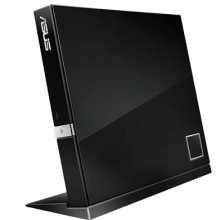
Add M-DISC Support
*This firmware is for the drive which manufactured after March 2017, please check the label on the drive about that.
How to update
1. Connect the drive to the PC via USB cable.
2. Download the FW Updater file and unzip it.
3. Close all other programs and double click the unzipped file.
4. After the program starting please follow the instructions on the screen to complete the process.
Asus SBW-06D2X-U FW Updater
File: SBW-06D2X-U_FWE110_EU.zip
SHA-256:
dc31a993afb30a978f12c1210aa8a8e2cfce0402431e8beffe1ad3aa897dee77



