🧱 Device
🏗️ Manufacturer
#️⃣ Model No.
ULS-UP10050
ULS-10050
CPU/Chipset(s)
Interface/port(s)
ASIN
B09KLTK94M
Operating System(s)
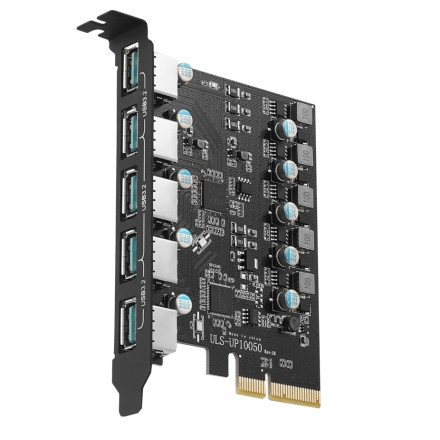
The Sinefine ULS-UP10050 is a PCIe expansion card that adds USB 3.2 Gen 2 connectivity to a desktop computer, providing data transfer speeds of up to 10Gbps when used with compatible USB devices and cables. The card uses an ASMedia USB host controller and requires the appropriate driver for Windows to recognize and operate the USB ports correctly.
Driver Installation
- Download and extract
ASMUSBHost_V116601WHQL.zipto a folder on your computer. - Open the extracted folder and locate the Windows driver installation executable or setup files.
- Right-click the installer and select Run as administrator.
- Follow the installation instructions and restart Windows if prompted.
- Connect a USB device to the expansion card and check Device Manager to confirm that the USB host controller is installed without errors.
Note: The PCIe card requires an available compatible PCIe slot x4 (x1 isn't compatible). USB 3.2 Gen 2 speeds also depend on the connected device and cable.