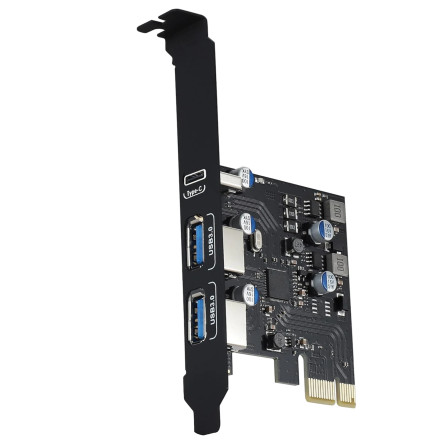
🧱 Device
🏗️ Manufacturer
#️⃣ Model No.
ULS-UP-2100
CPU/Chipset(s)
Interface/port(s)
Port(s)
ASIN
B0CT87YJMV
Operating System(s)
The YEELIYA ULS-UP-2100 is a PCI Express expansion card that adds three USB 3.0 ports to a desktop computer. It uses a Fresco Logic USB 3.0 host controller, which requires the appropriate driver for Windows to recognize and operate the USB ports correctly.
Driver file: Fresco Logic xHCI USB3.0-3.0_3.8.35514.0.exe
Driver Installation
- Download
Fresco Logic xHCI USB3.0-3.0_3.8.35514.0.exe. - Locate the downloaded EXE file and double-click it to launch the installer.
- Follow the on-screen instructions to install the Fresco Logic USB 3.0 controller driver.
- Restart your computer if prompted.
- Connect a USB 3.0 device to verify that the expansion card is working correctly.
Note: The card must be installed in an available PCIe slot. For USB 3.0 speeds, connect it to a compatible USB 3.0 device.



