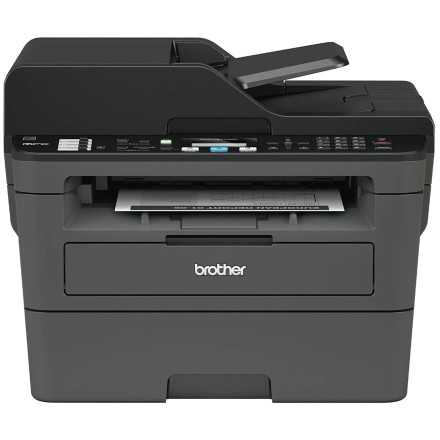
Device
Manufacturer
Model No.
MFC-L2717DW
Interface/port(s)
Operating System(s)
The Brother MFC-L2717DW is a monochrome laser all-in-one printer with printing, scanning, copying, and faxing capabilities. The Windows installation package Y17C_C1_ULWL_PP-inst-L1.exe provides setup for compatible Windows 11 and Windows 10 64-bit systems, including the necessary printer driver components.
Installation
- Download
Y17C_C1_ULWL_PP-inst-L1.exefrom the driver link below. - Double-click the file to start the Brother installer.
- Follow the on-screen instructions and select USB or network connection when prompted.
- Connect or configure the printer as directed by the installer.
- Print a test page to confirm the installation.
Tip: For Wi-Fi installation, connect the printer to your wireless network before completing setup. If Windows does not detect the printer, check the connection and restart the installer.
Brother Full Driver & Software Package
File: Y17C_C1_ULWL_PP-inst-L1.exe
SHA-256 Checksum:
4a633a36026d7ce28d66e0db2b44ef87e904d1443c46c535e70171bddb7e9d6a



