Series
Manufacturer
Model No.
MF4412
Operating System(s)
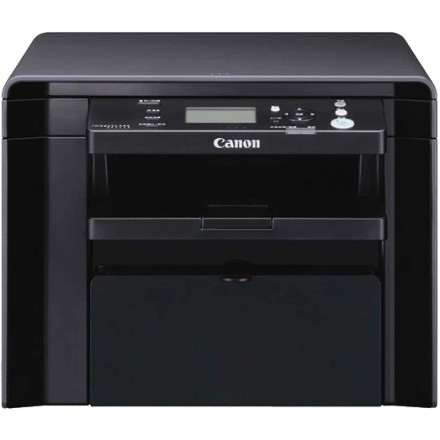
The Canon imageCLASS MF4412 is a monochrome laser multifunction printer with printing, copying, and scanning capabilities. The driver package MF4450MFDriversV2031W64ukEN.exe contains drivers for supported MF4400-series devices, including compatible models in the MF4412 range.
Installation
- Download
MF4450MFDriversV2031W64ukEN.exefrom the driver link below. - Run the downloaded file to extract the installation files.
- Open the extracted folder and run the setup program.
- Follow the installation prompts and connect the printer by USB when instructed.
- Restart the computer if required, then print a test page.
Note: This is an older driver package. Printing may work on Windows 11, but scanning and other functions may require compatible software. Confirm that the package supports your exact MF4412 model before installation.
Canon imageCLASS MF4450/MF4412 MF Drivers (UFR II/FAX/ScanGear)
File: MF4450MFDriversV2031W64ukEN.exe
SHA-256 Checksum:
3092a0040fd4f9838a105ac7a2a477475b007f5620090981f482707c28d21161
❓Additional Drivers:



