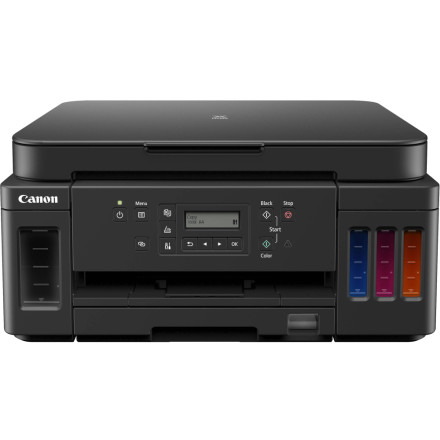
Canon PIXMA G6000 Series Driver — Quick Install
- Download the Driver – Download the Canon PIXMA G6000 Series driver package for your version of Windows. Canon provides drivers for Windows 11, 10, 8.1, and 7.
- Run the Installer – Locate the downloaded
.exefile and double-click it to start the installation. The installer will extract the required files and open the setup program. - Connect the Printer – Turn on your Canon PIXMA G6000 Series printer. When prompted, connect it to your computer using USB or configure the printer over your wireless network.
- Complete Setup – Follow the on-screen instructions until installation finishes. Restart Windows if prompted, then print a test page to verify that the printer and scanner functions are working correctly.
Canon G6000 series MP Drivers
File: md__-win-g6000-1_01-ea34_2.exe
SHA-256:
8e699e511caed22ec239d70cdb81eb38bfb3bbf1aad34783b829ae7c6079bef6
Canon Print Driver and Scan Utility Installer
File: md__-win-g6000-1_02-ea34_2.exe
SHA-256:
bc4d6a6a07f65ae49ffe1e189c0dae34115705ecf87a85b3c47b6efe0064c012



