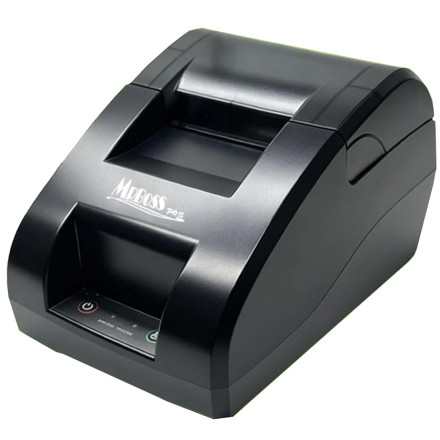
🧱 Device
#️⃣ Model No.
CK810-UWB
2000
Also Known As
Xiamen Apt Electronic Tech CK821
Interface/port(s)
ASIN
B0DF5MBBL7
The MRBOSS CK810-UWB is a thermal receipt printer designed for point-of-sale applications. The Windows driver package installs the printer using the included setup utility, allowing compatible POS software to send receipt print jobs to the printer.
Driver file: POS Printer Driver Setup 58mm.exe
Driver Installation
- Connect the MRBOSS CK810-UWB printer to your computer using its supported USB connection.
- Turn on the printer and allow Windows to detect the device.
- Run
POS Printer Driver Setup 58mm.exeand follow the installation instructions. - Select the 58mm printer option if prompted, then complete the setup.
- Open Windows printer settings and print a test page to check the connection.
Note: This package is intended for 58mm receipt printing. Confirm that the selected paper width matches the roll installed in your printer.
💾Drivers:



