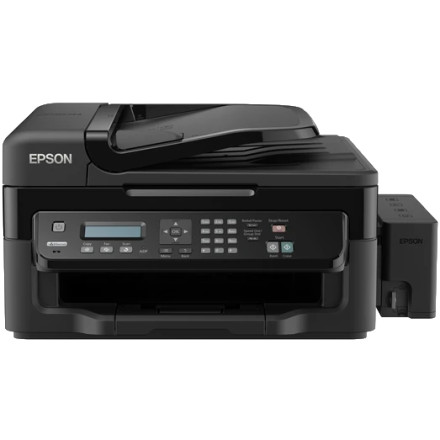
The Epson L550 is an EcoTank multifunction printer with printing, scanning, copying, and faxing capabilities. This driver collection includes separate Epson installation packages for printer and scanner functions on compatible Windows systems.
Operating Systems: Windows 10 64-bit; Windows 11 compatibility may vary.
Installation
- Download both files from the driver links below.
- Run
L550_x64_160HomeExportAsiaML.exeto install the printer driver and follow the setup prompts. - Run
L550_WW_WIN_3792_42_S.exeto install the scanner driver. - Connect the Epson L550 to your computer by USB or configure its supported network connection.
- Restart Windows if prompted, then test printing and scanning separately.
Note: These are legacy Epson packages. Some functions may require additional Epson software, and Windows 11 compatibility is not guaranteed. If the installer fails, try Windows compatibility settings or check Windows Update for a compatible driver.
Epson Printer Driver
File: L550_x64_160HomeExportAsiaML.exe
cc1c4995984181a3bcc5db3e723a1f4f46345c26223351409bece31d3d8eb7d9
Epson Printer Driver
File: L550_x86_160HomeExportAsiaML.exe
6421b2fd5cccaf9855c5b87d7f6472513c4ae192de5b3a6e61120b42eac3bbf5
Epson Scan Driver
File: L550_WW_WIN_3792_42_S.exe
456adc7b1ab606b56c02d8839edd8136a5ee1af5688a2a754886d0315a189f05



