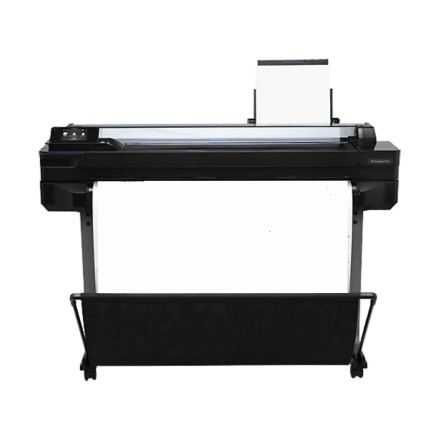
🧱 Device
Series
🏗️ Manufacturer
#️⃣ Model No.
HP DesignJet T520 24-in Printer
CQ890A#B1K
CQ890B#B1K
CQ890C#B1K
RAM (Max.)
1 GB
The HP DesignJet T520 24-inch Printer is a large-format inkjet printer designed for technical drawings, architectural plans, graphics, and professional documents. To use the printer with a Windows computer, install a compatible HP PCL3 printer driver. The PCL3 driver package provides the communication required to send print jobs and configure supported printing options.
Driver File: win-x64-pcl3-drv.exe
Driver Type: HP PCL3 Printer Driver
Architecture: 64-bit Windows
Driver Installation
- Download
win-x64-pcl3-drv.exe. - Double-click the downloaded file to start the installer or extract the driver files.
- Follow the on-screen instructions to install the HP printer driver.
- Select the HP DesignJet T520 24-inch Printer when prompted.
- Complete the installation and print a test page.
Note: Make sure the selected PCL3 driver version supports the DesignJet T520 and your Windows version. If the printer is not detected automatically, check the USB or network connection and try adding it manually through Windows Printers & Scanners.



