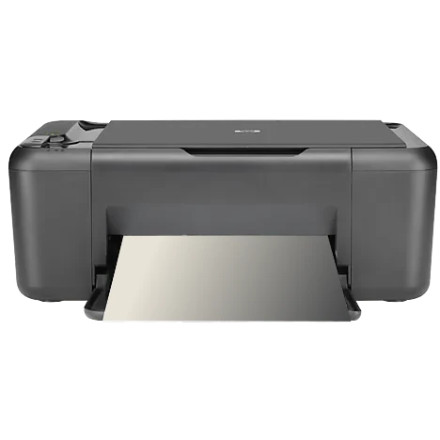
Device
Series
Manufacturer
Model No.
Deskjet F2420
Interface/port(s)
The HP Deskjet F2420 Drivers Windows 11, 10 is an all-in-one inkjet printer that supports printing, scanning, and copying. The full-feature software package, DJ_AIO_06_F2400_NonNet_Full_Win_WW_140_175-4.exe, includes the drivers and utilities needed to use supported printing and scanning functions. This legacy installer was released for Windows XP, Windows Vista, and Windows 7 in both 32-bit and 64-bit versions.
Driver Installation
- Download
DJ_AIO_06_F2400_NonNet_Full_Win_WW_140_175-4.exeand save it to your computer. - Double-click the downloaded file to start the HP software installer.
- Follow the on-screen instructions. Connect the printer to the computer using a USB cable only when the installer prompts you to do so.
- Complete the installation and restart Windows if requested.
- Print a test page and open the scanning software to check that both functions work.
Windows 10 and Windows 11: This is an older driver package, and compatibility with current Windows versions is not guaranteed, and unfortunately there is no longer support from HP.



