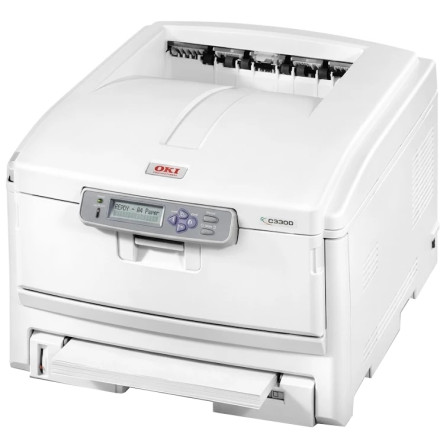
The OKI C8800 is an A3 color LED printer designed for producing business documents, presentations, graphics, and large-format prints. Its A3 printing capability makes it suitable for offices and workgroups that need to print larger documents in addition to standard A4 pages. The Windows driver package provides the interface between the printer and compatible applications, allowing users to configure paper sizes, print quality, color settings, and other supported printing options.
Manual driver installation
- Download
driver_1d0a4f47018485a77348865ea019dcb596efd700.cab. - Create a folder and extract the CAB archive using Windows File Explorer or 7-Zip.
- Connect the OKI C8800 and open Device Manager.
- Locate the printer, right-click it, and select Update driver.
- Choose Browse my computer for drivers and select the extracted folder.
- Follow the prompts to complete installation.
Note: Windows 10 and Windows 11 compatibility depends on the driver files included in the package and the printer's supported architecture.
OKI C8800 PCL/PS Driver
File: OKI_C8800_Vista.zip
SHA-256 Checksum:
bea29c1cf12b4f12bece025740fe507f2549a16c226d86f6c6f0c02b57e39b5f
HWID(s)



