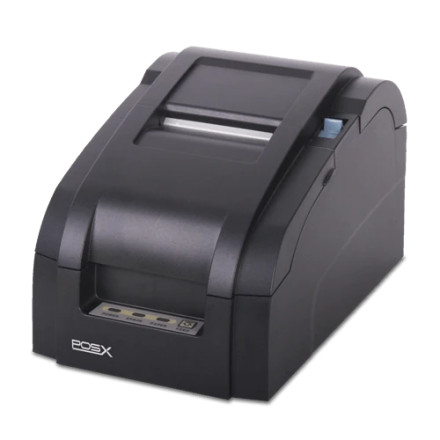
The POS-X Thermal Printer Driver 4.64 supports compatible POS-X thermal receipt printers on Windows 11 and Windows 10 64-bit systems. The installer is named POS-X Thermal Printer 4.64.exe. Make sure the driver matches your printer model and connection type before installing.
Installation Guide
- Download
POS-X Thermal Printer 4.64.exeand locate it in your Downloads folder. - Right-click the file and select Run as administrator.
- Follow the installation wizard and select the thermal printer option.
- Choose the correct printer connection, such as USB or TCP/IP for a network printer.
- Complete the installation and connect the printer when prompted.
- Open Settings → Printers & scanners, select your POS-X printer, and print a test page if available.
Note: If the printer is not detected, check the USB cable or network connection and confirm that the correct port was selected during setup.
POS-X Thermal Receipt Printer Driver
File: POS-X Thermal Printer 4.64.exe
SHA-256:
15a1b11a7a14364ef70a37b6b3fc4d1a17bdf0b0826605623baa1b63019c5774
POS-X Thermal Receipt Printer Driver
File: Thermal_Printer_Drivers_4.57.exe
SHA-256:
785c4b0f7ee77e769c396b12432342c10ae5a4e9a8ec8eb1fa61be3bf18929db



