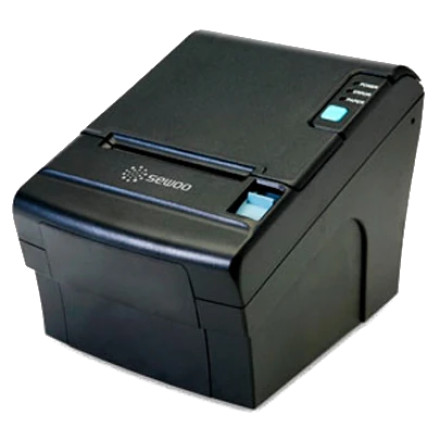
The Sewoo LK-TL210 is a thermal POS receipt printer designed for point-of-sale systems. Windows 10 and Windows 11 can use the Sewoo Windows printer driver to communicate with the printer.
Quick Install
- Download the Sewoo Windows driver and extract the downloaded ZIP file.
- Connect the LK-TL210 to your computer and turn the printer on.
- Run the driver setup program and select the LK-TL210 or matching SLK-T series model.
- Select the printer connection/port, such as USB, and complete the installation.
- Open Settings → Bluetooth & devices → Printers & scanners, select the Sewoo printer, and print a test page.
SEWOO Windows Driver (203dpi)
File: THERMAL Printer 203-DPI Driver-4.70.zip
SHA-256:
b1524167ed71d67228212b9cdedc6c2922ab0e0f0d68668989fd388fc016cd6c



