How to use
***************
- Uninstall previous versions (Start-> Settings-> Control Panel-> Add or remove programs)
- run DfuSe setup.
- Install your device with the driver and the inf file, go to [Driver] directory.
- Use it!
Image
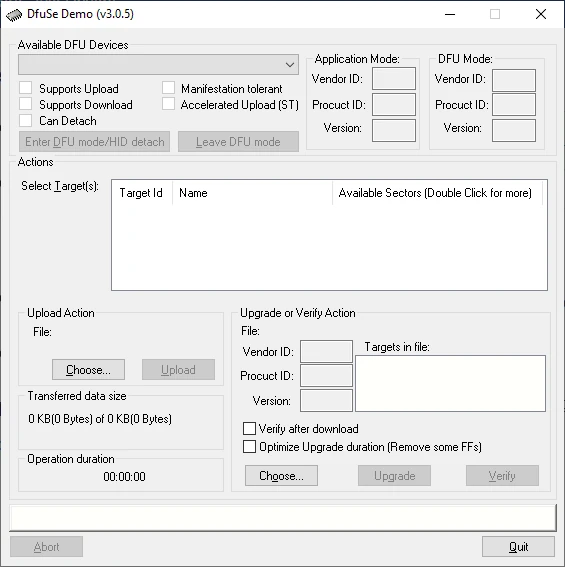
DfuSe Flashing Software
File: en.stsw-stm32080.zip
SHA-256 Checksum:
57c7a9c1cdb271e85bf653b8610e4ab1d9d4518e9b8c0a78a95e5ce7dbacc97a
HWID(s)



