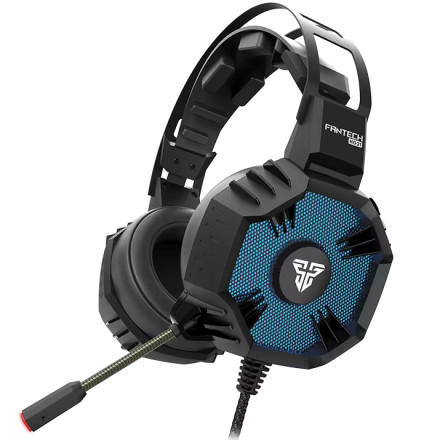
The Fantech Hexagon HG21 7.1 Gaming Headset includes dedicated Windows software from Fantech for managing the headset and accessing additional audio controls. The software provides settings beyond the standard Windows USB audio driver, allowing users to adjust sound features and customize the headset for gaming, music, and everyday use. It is designed for Windows computers and can be installed after connecting the HG21 headset. Download the appropriate software package, extract the files if needed, and run the included setup program. Once installed, connect the HG21 and use the Fantech software to configure the available headset settings.
Quick installation:
- Download the Fantech HG21 software.
- Extract the downloaded ZIP file if necessary.
- Run the setup program and follow the installation prompts.
- Connect the HG21 headset and open the Fantech software.
Official download: Fantech HG21 Software Downloads
Direct Link Below.
Hexagon HG21 Software Driver
File: Hexagon_HG21_Software_V1.1_23110600.zip
4d83c6cbcb1ccc8fa012a2f9bcd9243c05fc29c7e9b251659f5632446ed4709f



