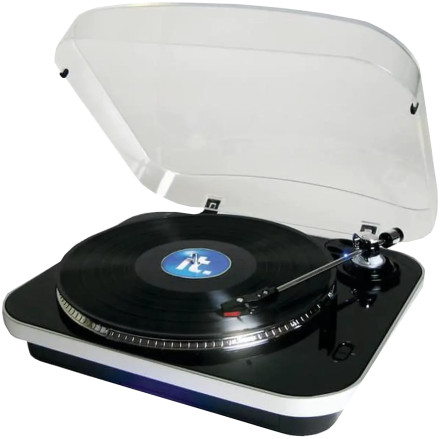
Device
Manufacturer
Model No.
ITUT-400
Interface/port(s)
The Innovative Technology ITUT-400 Turntable shouldn't need any additional drivers, instead using Windows builtin USB audio drivers. To record use software like Audacity to capture the audio.
4 Quick Steps to Set Up the Innovative Technology ITUT-400 Turntable
- Place the turntable on a stable surface and connect the power adapter.
- Connect the turntable to your computer using a USB cable, if recording vinyl.
- Allow Windows to automatically detect the USB audio device.
- Select the turntable as the audio input in your recording software and begin recording.



