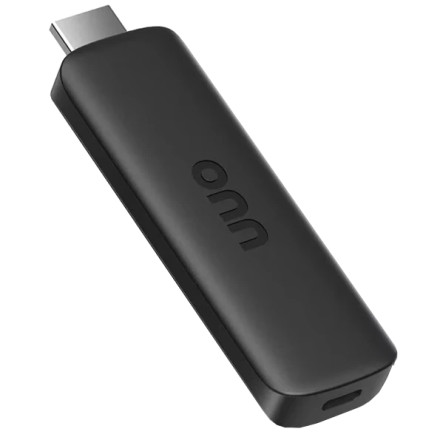
Manufacturer
Interface/port(s)
Video Technology
UPC
681131422352
ASIN
B0B61V76X1
Operating System(s)
Sideloading lets you install Android apps on your onn 2K Streaming Device that may not be available in the Google Play Store.
How to Sideload an App
- Enable Developer Options: Go to Settings > System > About and select Build several times until Developer Options are enabled.
- Enable USB debugging or app installation permissions: Open Developer Options and enable USB debugging if needed. For apps installed through a file manager, allow that app to install unknown apps when prompted.
- Install a downloader or file manager: Use an available app to download the APK file, or transfer it from another device.
- Install the APK: Open the downloaded file and follow the installation prompts.
- Launch the app: Find it in your apps list. Some sideloaded apps may not work correctly with the remote or TV screen.
Tip: Only install APK files from sources you trust. Menu names and available options may vary by device software version.



