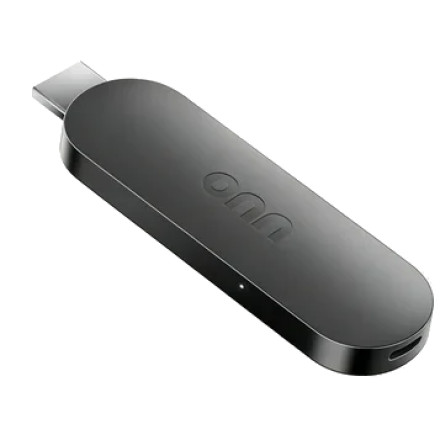
The onn. 4K Streaming Device Gen 3 runs Google TV/Android TV and can sideload APK files that aren't available through the Play Store. The exact menu names can vary with the software version.
Easiest method — Downloader
- Install Downloader from the Google Play Store.1
- Open Downloader and download the APK you want to install.
- When Android asks for permission to install unknown apps, select Settings.
- Enable Allow from this source for Downloader.
- Go back to Downloader and install the APK.
On newer Google TV versions, the permission is generally per-app, rather than having one universal "Unknown Sources" switch.
If you don't get the permission
Go to:
Settings → System → About → Android TV OS Build
Click the build number 7 times until you see that developer mode has been enabled. Then return to Settings → System → Developer options. Developer options can also be used to enable USB/Wireless debugging for installing APKs from a computer.
Important: Only install APKs from sources you trust. Google Play Protect checks apps installed from outside the Play Store and can warn about or block potentially harmful applications.
If you tell me which APK/app you want to sideload, I can give you the exact steps for the onn. 4K Gen 3, including the easiest way to transfer the APK to it.



