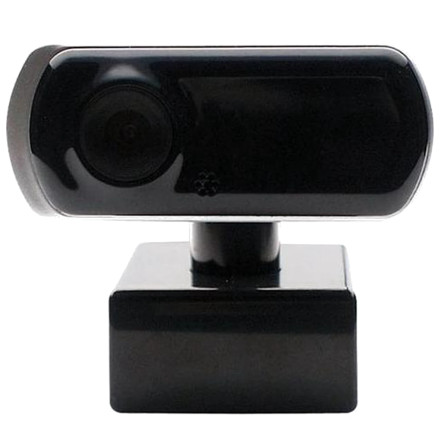
The GEAR HEAD WC4750AFB is a 2.0-megapixel USB 2.0 webcam designed for basic video conferencing, video recording, and desktop communication. The driver and software package is supplied in a ZIP archive named WC4000AF.zip, which contains a setup.exe installer. Although this software was originally designed for Windows 7, it can also work on Windows 10 and Windows 11 with some installation warnings.
Driver Installation
- Download and extract
WC4000AF.zip. - Open the extracted folder and locate
setup.exe. - Right-click
setup.exeand select Run as administrator. - Windows may display compatibility or security warnings because the software was designed for an older operating system.
- Review the warnings and, if Windows allows you to proceed and you trust the software source, approve the installation.
- Restart your computer if prompted and connect the webcam to a USB port.
Windows 11 / Windows 10 Compatibility
Although the GEAR HEAD WC4750AFB software was originally developed for Windows 7, it may still function on newer Windows versions. Windows can display warnings about older software, driver compatibility, or digital signatures during installation.
If the installer does not launch correctly, try running it in Windows 7 compatibility mode:
- Right-click
setup.exeand select Properties. - Open the Compatibility tab.
- Enable Run this program in compatibility mode for Windows 7.
- Click Apply and try running the installer again.
Important: Do not bypass Windows driver-signature enforcement or other security protections simply to install an older driver. If Windows blocks the driver, it may not be compatible with current security requirements.
USB Video Device Driver
File: WC4000AF.zip
11729a5d226b2c66dead8e470fde3ccf144b644fe57bf46b5791ddd0f8fd255e



