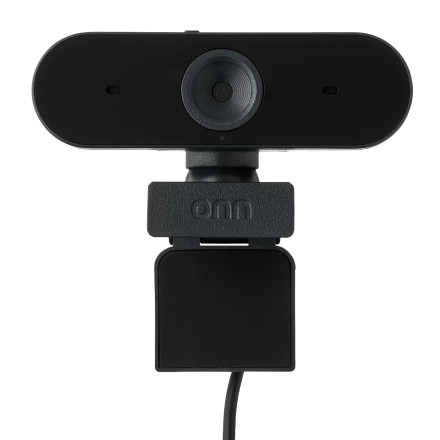
The onn 4K Webcam (100162478) is USB plug-and-play and supports Windows, macOS, and ChromeOS. It offers autofocus, automatic low-light correction, dual microphones, and up to 4K video.
Troubleshooting
No picture: Unplug the webcam and connect it directly to another USB port. Avoid using a USB hub while troubleshooting.
Camera not detected: Open Device Manager > Cameras and check whether the onn webcam appears. You can also restart Windows and reconnect the camera.
Black-and-white picture: Press the Mode button on the rear of the webcam to return to color.
Autofocus problems: Make sure the lens is clean and there is adequate lighting. The camera uses autofocus and automatic low-light correction.
Microphone not working: In Windows sound settings, select the onn webcam as the input device and make sure microphone access is enabled.
Privacy cover: Check that the physical lens cover is fully open before using the camera.



