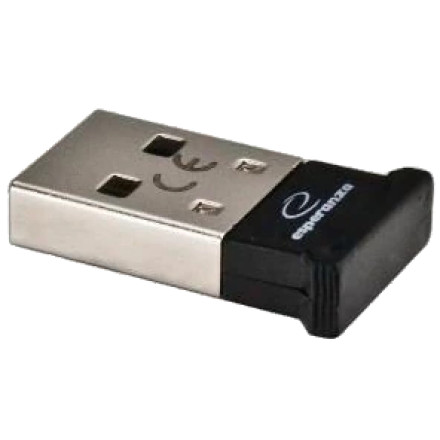
Device
Manufacturer
Model No.
EA101
Network Technology
Frequencies
Interface/port(s)
Operating System(s)
ESPERANZA EA101 USB Bluetooth 2.1+EDR Adapter Driver (Windows 98)
The ESPERANZA EA101 is a USB Bluetooth 2.1+EDR adapter that adds wireless connectivity to compatible desktop and laptop computers. For older Windows 98 systems, the Bluesoleil_Win98.zip package contains BlueSoleil Bluetooth software and driver files intended for legacy Bluetooth hardware. BlueSoleil provides device discovery, pairing, and Bluetooth services for transferring files and connecting compatible peripherals.
Installation
- Download
Bluesoleil_Win98.zipand extract the files. - Connect the EA101 Bluetooth adapter to a USB port.
- Open the extracted folder and run
Setup.exeif included. - Follow the installer instructions and restart Windows if prompted.
- Launch BlueSoleil to discover and pair with nearby Bluetooth devices.
Note: Windows 98 Second Edition may be required, depending on the package. If the adapter is not detected, verify its hardware ID and driver compatibility before attempting manual installation.
Bluesoleil Bluetooth Driver
File: Bluesoleil_Win98.zip
SHA-256:
8020cd1fc8607c737306d5716f55ece41140a9f4b9c80f7b74d3ba772aa33aa6



