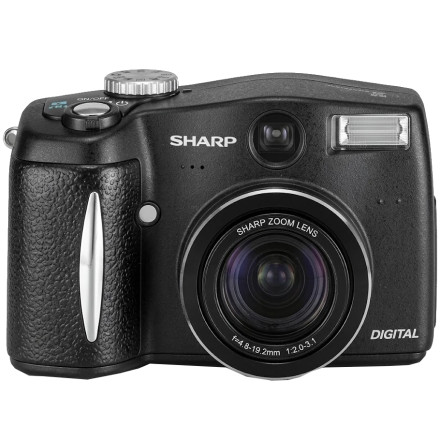
🧱 Device
🏗️ Manufacturer
#️⃣ Model No.
VE-CG30U
VE-CG40U
Operating System(s)
The Sharp VE-CG30U and VE-CG40U digital cameras use a Windows driver package that includes the SHDV_B.INF installation information file. The driver must be installed manually through Windows Device Manager rather than relying on an automatic setup program.
Driver installation (Windows)
- Download and extract
VE-CG30U_and_VE-CG40U.zipusing Windows or 7-Zip. - Connect the Sharp VE-CG30U or VE-CG40U camera to the computer.
- Open Device Manager, locate the camera or unidentified device, and select Update driver.
- Select Browse my computer for drivers, then Let me pick from a list of available drivers if necessary.
- Choose Have Disk, browse to the extracted driver folder, and select
SHDV_B.INF. - Follow the prompts to complete the driver installation.
Note: If Windows displays a compatibility or digital signature warning, verify that the driver is intended for your version of Windows before proceeding.
Sharp VE-CG30U and VE-CG40U Driver
File: VE-CG30U_and_VE-CG40U.zip
SHA-256 Checksum:
f772b140cd96fc24e85bbc00d13c7fe5fd0e9f7b1eff05584ab77179481a0314
HWID(s)



