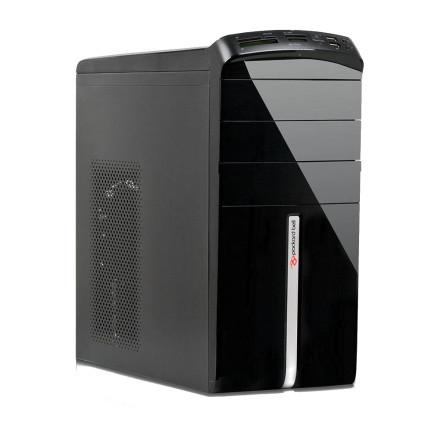
Device
Manufacturer
Model No.
ixtreme M5120
CPU/Chipset(s)
The Packard Bell ixtreme M5120 is a desktop computer that requires compatible drivers for its chipset, graphics, audio, network, storage, and other hardware components. Installing the correct drivers allows Windows to properly identify the system hardware and restore functionality after a clean operating system installation. Drivers can also help resolve missing devices or hardware shown with errors in Device Manager. Because the ixtreme M5120 may have different hardware configurations, verify the exact model and Windows version before installing a driver. Use the appropriate driver package for each installed component.
Quick Installation Steps
- Download the drivers provided below.
- Extract the downloaded archive if necessary.
- Run Setup.exe or install the driver through Device Manager.
- Follow the installation prompts and restart Windows when required.
🖥️Graphics Drivers:
🔊Sound Drivers:



