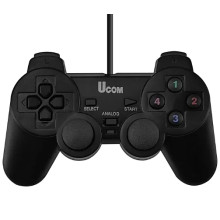
Device
Manufacturer
Model No.
UCOM-704
UC-JS704S2
UC-JS704S
UC-JS704 S
ucom 704
ucom704
UC-JS760
pc 208
ucom 208
Also Known As
Ucom208-2 pc TWINSHOCK JOYPAD
Interface/port(s)
This generic gamepad like many others won't have vibration unless you install the drivers.
Installation
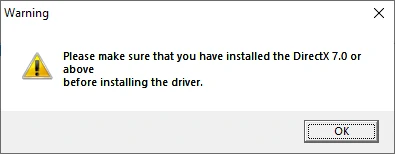
Download drivers below save to your computer, then run this file as an Administrator. When you first run you will be given this notice (fig.1) which can be ignored if DirectX is up-to-date, if you are on an older system and you want to download DirectX 7 Offline Installer you can.
Image
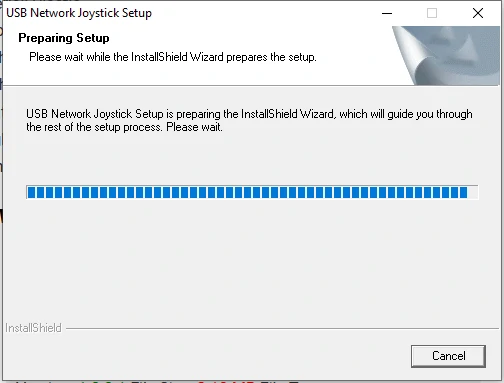
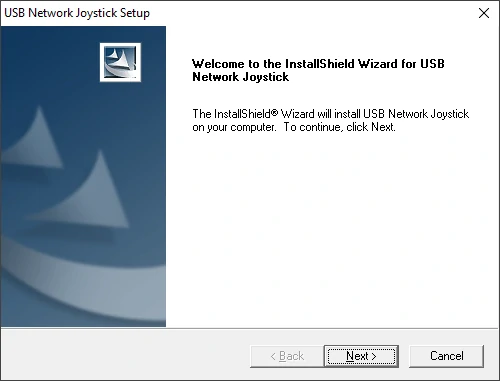
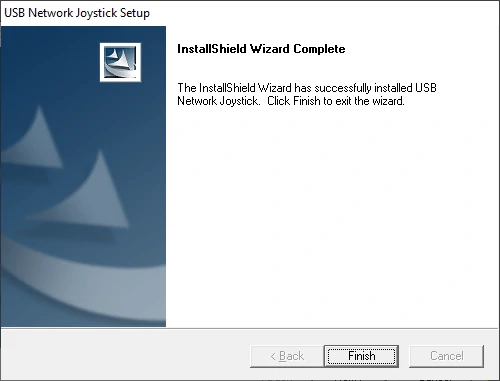
Follow the onscreen steps to install the driver.
Image
Image
Image
USB Vibration Gamepad Driver
File: HV-G69-Single USB Gamepad.exe
SHA-256:
9633f28222499ee0916324a715523960bdd3c5167195744665d7c6f5a399d4e6
USB Vibration Joystick Driver
File: VL807USB Vibration Joystick(4a12k)3.60.exe
SHA-256:
4f54ad1aa583fe061127cb71bdc000f460ff6a1c3595674660e5ba8b888be5d4
HWID(s)



