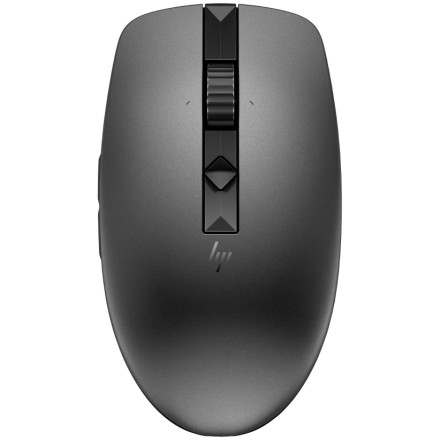
🧱 Device
🏗️ Manufacturer
#️⃣ Model No.
1D0K2AA#ABA, #AC3, #UUF
🛜 Network Technology
Frequencies
Interface/port(s)
Operating System(s)
The HP 635 Multi-Device Wireless Mouse can connect to up to three devices using its USB nano receiver and Bluetooth. It supports one USB receiver connection and up to two Bluetooth connections. If the mouse stops responding, has trouble pairing, or moves erratically, try the following troubleshooting steps.
1. Mouse Not Working
- Check that the mouse power switch is turned on.
- Replace both AAA batteries with a fresh pair, checking the polarity.
- If using the USB nano receiver, connect it directly to the computer rather than through a USB hub.
- Try another USB port and move the receiver closer to the mouse.
- Turn the mouse off, wait a few seconds, and turn it back on.
2. Bluetooth Pairing Problems
- Make sure Bluetooth is enabled on your computer.
- Select the Bluetooth channel on the mouse using its connection button.
- Put the selected channel into pairing mode.
- In Windows, open Settings > Bluetooth & devices > Add device > Bluetooth.
- Select the HP 635 when it appears in the device list.
If the mouse was previously paired but will not reconnect, remove it from the Bluetooth device list and pair it again.



