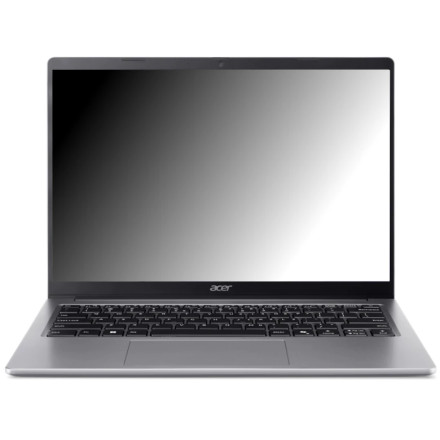
Device
Series
Manufacturer
Model No.
AG14-I71M
AG14-I71M-52Q8
CPU/Chipset(s)
Storage
512 GB
SSD
RAM (Max.)
16 GB
LPDDR5
Operating System(s)
The Acer Aspire AG14-I71M is a Windows laptop that requires the appropriate device drivers for components such as the chipset, graphics, audio, wireless network, Bluetooth, touchpad, and other system hardware. Driver availability can vary by the exact configuration and Windows version, so matching the hardware ID is recommended when a specific driver is difficult to identify.
Quick Installation
- Download the driver package for your Acer Aspire AG14-I71M.
- Extract the ZIP file if necessary.
- Run the included setup program and follow the installation prompts.
- Restart Windows after installing the drivers.
- Check Device Manager to confirm that the hardware is recognized correctly.
📶Bluetooth Drivers:
🏿Chipset Drivers:



