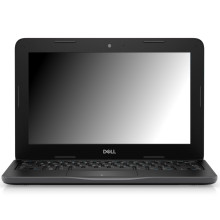
Device
Series
Manufacturer
Model No.
Latitude 3190
Operating System(s)
Installing Drivers for the Dell Latitude 3190 (Windows 11 / Windows 10 x64)
- Download the required drivers for your Dell Latitude 3190.
- Connect the laptop to AC power.
- Install the Chipset driver first and restart if prompted.
- Install the Intel Management Engine driver.
- Install the Graphics driver.
- Install the Network drivers (Wi-Fi, Bluetooth, and Ethernet if applicable).
- Install the Audio driver.
- Install any remaining drivers, such as Touchpad, Card Reader, Camera, or Sensors.
- Restart the computer after all drivers have been installed.
- Open Device Manager and confirm there are no devices with yellow warning icons.
🖥️Graphics Drivers:
📶Bluetooth Drivers:
⚙️BIOS/Firmware



