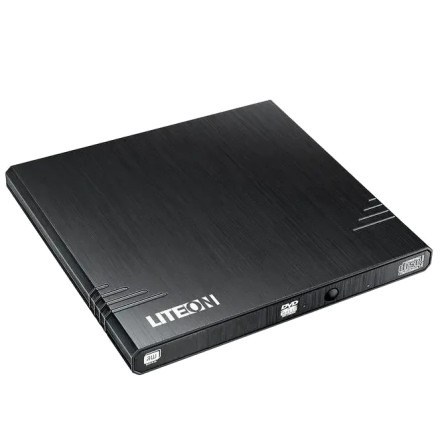
🧱 Device
🏗️ Manufacturer
#️⃣ Model No.
eUAU108 5
Operating System(s)
Lite-On eUAU108 5 Firmware Update
The Lite-On eUAU108 5 firmware update improves compatibility and drive operation. The 3L02.EXE utility updates the optical drive firmware in Windows.
Quick installation:
- Download
3L02.EXEand save it to your computer. - Close all running programs and ensure the Lite-On drive is connected.
- Run
3L02.EXEas Administrator and follow the on-screen instructions. - Wait for the update to finish, then restart Windows. Do not interrupt power during the update.
Lite-On eUAU108 5 Firmware Update
File: 3L02.EXE
SHA-256 Checksum:
e8aee3faceb4a7c0bcdff4b372d2c8743b1cec75eb9e6d118b6040e47d75bed5



