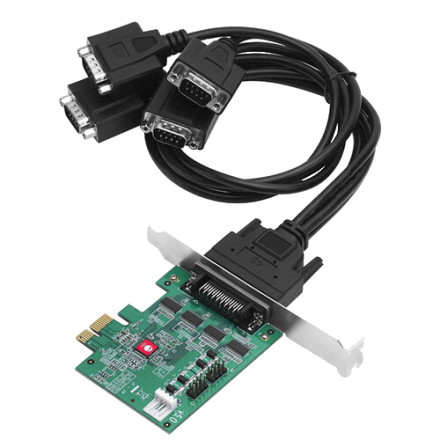
Device
Manufacturer
Model No.
JJ-E40011-S5
CPU/Chipset(s)
Interface/port(s)
SIIG DP CyberSerial 4S PCIe adds four RS-232 DB9 serial ports with 16550 UART, speeds up to 921Kbps, configurable 5V/12V power, PCIe connectivity, and dual-profile brackets.
Quick Install Steps
- Power off the computer – Shut down Windows completely and disconnect the computer from power. Remove the case cover.
- Install the card – Insert the SIIG DP CyberSerial 4S PCIe into an available PCIe x1 slot. Secure the card with the bracket and close the case.
- Install the driver – Start Windows, download and extract the appropriate SIIG driver, then run the included setup program. Follow the on-screen instructions.
- Verify the ports – Restart Windows if prompted and open Device Manager → Ports (COM & LPT). Confirm that all four RS-232 ports appear without warning icons.



