Device
Manufacturer
Model No.
ULS-UP4300PD
CPU/Chipset(s)
Interface/port(s)
Port(s)
Operating System(s)
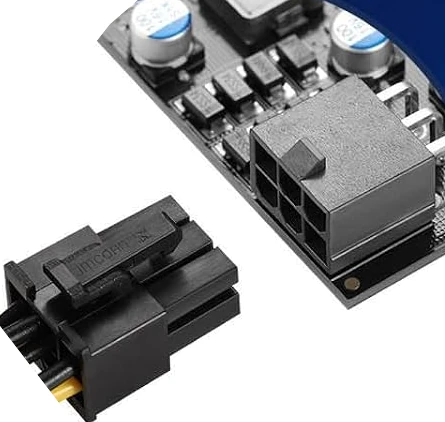
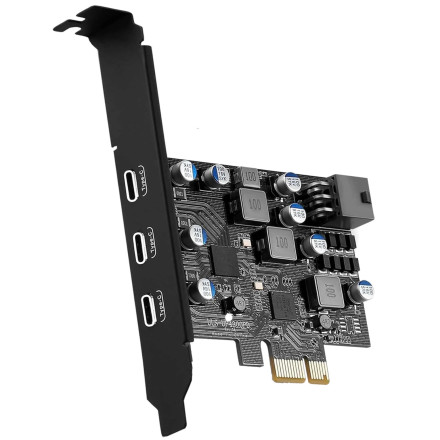
The YEELIYA ULS-UP4300PD PCIe to 3 USB Type C Port Adapter uses a Fresco Logic chipset.
Quick Install
- Power off the PC and install the YEELIYA ULS-UP4300PD PCIe to 3 USB Type C Port Adapter.
- Boot Windows and run the Fresco Logic driver installer.
- Restart the computer when prompted.
- Connect USB devices and verify the controller in Device Manager.
Image