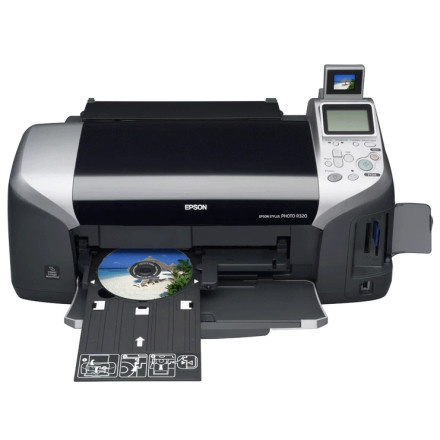
The Epson Stylus Photo R320 is an older photo inkjet printer. Although Epson's original drivers were released for earlier versions of Windows, the printer may work on Windows 10 or Windows 11 using compatible driver files. This collection includes Windows .cab driver files and selected Epson .exe installers.
Manual Driver Installation
- Download and extract the driver files if they are provided in a compressed archive.
- Connect the Epson R320 to your computer using a USB cable and turn it on.
- Open Device Manager, locate the printer or unknown device, and select Update driver.
- Choose Browse my computer for drivers and point Windows to the folder containing the extracted
.cabor driver files. - Follow the prompts and print a test page.
Using the Epson EXE Installer
If an Epson .exe installer is included, run it and follow the setup instructions. Older installers may not run correctly on newer Windows versions, so manual installation may be necessary.
Note: Windows 11 and Windows 10 compatibility is not guaranteed. Some printer functions or Epson utilities may be unavailable with older drivers.
Epson Stylus Photo R320 Printer Driver
File: 5098_a1b99bb764e2c49ac8170f9e96164a608254a9e5.cab
a8c9705a08fe8e0dce12ad3002484f5f1775ef0808faf062f77bfc3f8baab4da
Epson Stylus Photo R320 Printer Driver
File: 5099_a3005fb3c105610182fe2dd49d33c9a2c0d3f0d6.cab
ec9d07992b510a239ac9780e91cb3ba47697e34c3f4d7733e33cac55b5efc74a
Epson Stylus Photo R320 Printer Driver
File: epson11478.exe
5e250bacd9907f6eae0ee1ad6806bd1f9bf085219facdd48e3871db2b15c65c4
Epson Stylus Photo R320 Printer Driver
File: epson11155.exe
d2d55f4a21de3df32b656adfdeedfc494890d0fd7496da4ff81cd291ec3877f1



