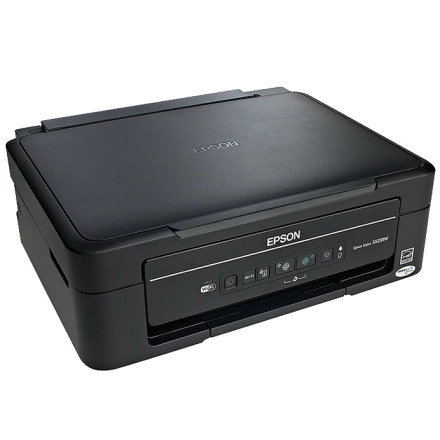
Device
Series
Manufacturer
Model No.
C11CB23303
Network Technology
Interface/port(s)
UPC
8715946484150
The Epson Stylus SX235W Printer Driver provides Windows support for the Epson Stylus SX235W multifunction printer. Installing the correct driver allows Windows to communicate with the printer and enables printing features supported by the device. The SX235W is an all-in-one printer designed for everyday printing, scanning, and copying. This driver is useful when setting up the printer after a Windows installation or replacing an existing driver. Before installation, disconnect any previous printer software if necessary and confirm that the downloaded package matches your Windows version and system architecture.
Quick Installation Steps
- Download the Epson Stylus SX235W driver either 64bit or 32bit version.
- Run the downloaded packages an administrator.
- Connect the printer when prompted and restart Windows if required.
Epson Printer Driver
File: epson657196eu.exe
SHA-256:
cca90d4f9a946785e7497ee820b9120471919a7e1c308c237873b228050fac13
Epson Printer Driver
File: epson657199eu.exe
SHA-256:
28173c6f9b7241c1de4e9a5ec7f49b9863cf2f59c9f81d46f6fc6b5ddd9f5a32



