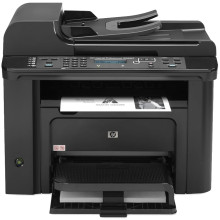
🧱 Device
Series
🏗️ Manufacturer
#️⃣ Model No.
M1536dnf
RAM (Max.)
128 MB
Interface/port(s)
UPC
800265796720
Download the HP LaserJet Pro M1536dnf Multifunction Printer Full Feature Software and Driver package using hp_M1530_MFP_full_Solution_22049.exe. This installation package includes the printer drivers and supporting software needed to use the M1536dnf's printing, scanning, and multifunction capabilities. The full solution is intended to simplify setup and provide access to the printer's available features on supported Windows systems.
Installation:
- Download
hp_M1530_MFP_full_Solution_22049.exe. - Right-click the downloaded file and select Run as administrator.
- Follow the HP installation instructions.
- Connect the printer via USB or configure the network connection when prompted.
- Restart Windows if requested and test printing and scanning.