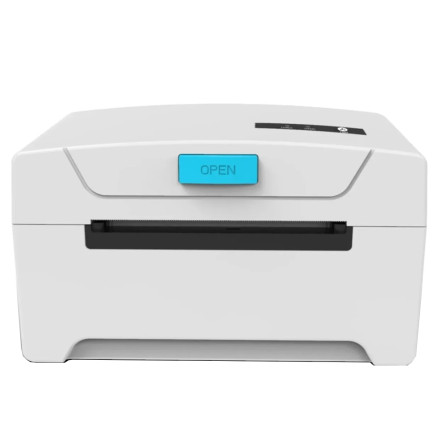
The KNUP KP-IM600 is a thermal printer designed for receipt and point-of-sale printing. The compatible printer driver allows Windows computers to communicate with the device for printing receipts and other supported documents. Install the driver before using the printer, and select the correct USB or available connection method during setup.
Quick Installation
- Download the KNUP KP-IM600 printer driver for either Windows or macOS.
- Run the exe or dmg package installation file as Administrator if needed.
- Follow the installation prompts and connect the printer when requested.
- Print a test page to verify the installation.



