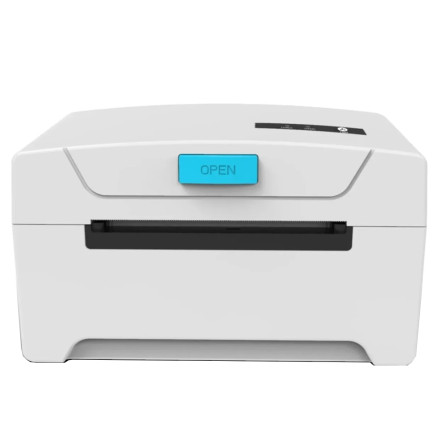
Device
Manufacturer
Model No.
KP-IM612
Interface/port(s)
The KNUP KP-IM612 is a thermal receipt printer designed for point-of-sale and everyday receipt printing. Compatible driver or setup software allows Windows and macOS computers to communicate with the printer and send print jobs correctly. Installation may be required when setting up the printer on a new computer, reinstalling the operating system, or replacing an existing printer configuration. Before installation, confirm the printer connection and operating system version, and use the appropriate driver package for your platform. macOS support may depend on the specific printer interface and available driver.
Quick Installation Steps
- Download the KNUP KP-IM612 driver for Windows or macOS.
- Extract the downloaded package if necessary.
- Run the Windows installer or follow the macOS driver/setup instructions.
- Connect the printer when prompted and print a test receipt.
KNUP KP-IM612 Thermal Printer Driver
File: KP-IM612.zip
SHA-256:
2c308435d3075a01345291b2ae83f447ae40e7da1bda2927cf1131eadac16bd3



