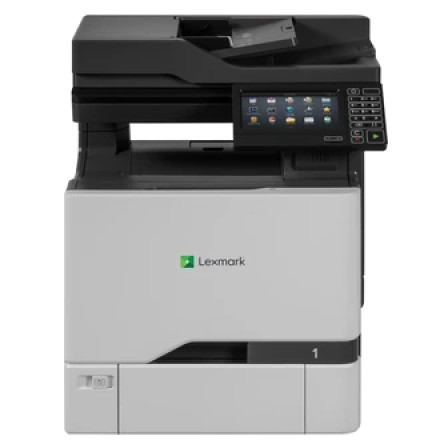
Download the Lexmark XC4100 Series Printer Software Installation Package for the Lexmark XC4150 color multifunction printer. The package, Lexmark_Printer_Software_Installation_Package_06122026.exe, includes the software and drivers needed for printing and scanning, along with supporting installation utilities. It provides support for configuring the printer over a USB or network connection.
The XC4150 is part of Lexmark's XC4100 Series and offers color printing, copying, scanning, and faxing capabilities.
Driver package: Lexmark_Printer_Software_Installation_Package_06122026.exe
Supported Windows versions:
- Windows 11 (64-bit)
- Windows 10 (32-bit and 64-bit)
- Windows 8.1 (32-bit and 64-bit)
- Windows 8 (32-bit and 64-bit)
- Windows 7 (32-bit and 64-bit)
- Windows Server 2012 through Windows Server 2025 (supported editions)
Installation:
- Download
Lexmark_Printer_Software_Installation_Package_06122026.exe. - Double-click the executable to launch the Lexmark software installer.
- Follow the on-screen instructions and accept the installation options.
- Choose USB or network installation, depending on how the printer is connected.
- Allow Windows to install the printer and scanner drivers.
- Print a test page and verify that scanning is working correctly.
Note: If installing over a network, make sure the printer and computer are connected to the same network. You may need the printer's IP address during setup.