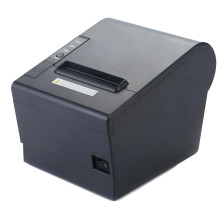
The POS 58/80 Printer Driver V11.3.0.1 enables compatible thermal receipt printers to communicate with Windows computers. It supports both 58mm and 80mm POS printing for receipts.
4 Quick Installation Steps
- Download POS-Printer-Driver-V11_3_0_1-POS-58.zip.
- Right-click the ZIP file and select Extract All.
- Open the extracted folder and run the included PrinterTestDemo.exe or driver installer by browsing to the driver from the device manager.
- Follow the prompts, select your printer, complete installation, and print a test receipt.
POS 58/80 Printer Driver V11.3.0.1
File: POS-Printer-Driver-V11_3_0_1-POS-58.zip
SHA-256:
6e635af835483e60e1ac10509274fc16460d6a40f47a85df0b2f0a32f5c85a53



