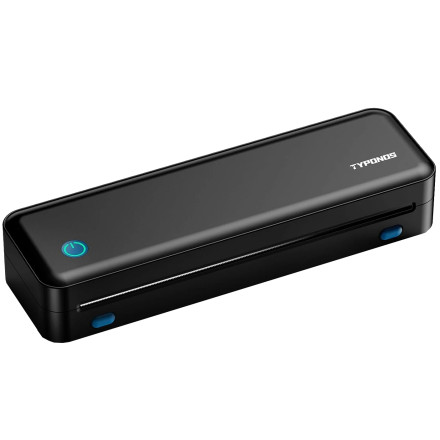
🧱 Device
🏗️ Manufacturer
#️⃣ Model No.
D820
🛜 Network Technology
Frequencies
Port(s)
ASIN
B0H368WJZ2
Operating System(s)
TYPONOS D820 printer drivers enable compatible receipt and POS printers to communicate with Windows and macOS systems, supporting proper installation, printing functions, device detection, and reliable operation.
Windows EXE Installation
- Download the TYPONOS D820 driver
Shipping_Printer_Driver_3.0.2.483_new.exefile. - Double-click the downloaded installer.
- Follow the on-screen installation instructions.
- Connect the printer and print a test page.
macOS PKG Installation
- Download the TYPONOS D820 driver
ShippingPrinter-Printer-Driver_3.0.2.483.pkgfile. - Double-click the PKG installer to begin.
- Follow the on-screen installation prompts.
- Add the printer in System Settings and print a test page.
D820 Printer Driver
File: Shipping_Printer_Driver_3.0.2.483_new.exe
SHA-256 Checksum:
81bb8a3065a5a99c3507195a6a9fb8c474350549311e653ba4265c5ec938899e
D820 Printer Driver
File: ShippingPrinter-Printer-Driver_3.0.2.483.pkg
SHA-256 Checksum:
4500d50f0620d9df750cad0545c6dd0fdd4bdd0044eb1e3d28891389a57b6618
HWID(s)



