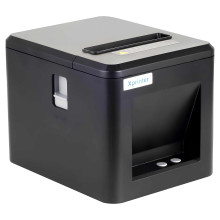
Device
Manufacturer
Model No.
XP-Q80A
Interface/port(s)
Operating System(s)
To install the printer driver for the Xprinter XP-Q80A, simply download the package that is linked below and install as an administrator. Assuming that you are installing via USB, a USB type B to USB type A cable is required to connect to a Windows machine. Printers don't usually include a cable due to the assumption that a cable used on your previous printer will be used.



