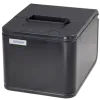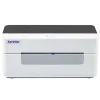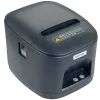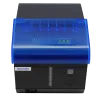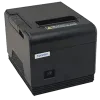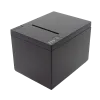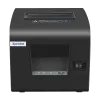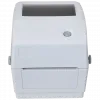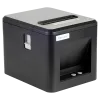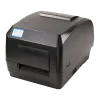
Xprinter Group (Also know as xprintertech) has been dedicated to printer production for more than 16 years, steadily building a reputation for quality, innovation, and reliability in the printing industry. Over the years, the company has expanded its capabilities, invested in advanced manufacturing technologies, and strengthened its research and development efforts to meet the evolving needs of global customers. As part of its commitment to excellence, Xprinter successfully obtained the ISO9001:2015 International Quality Management System (QMS) certification, which highlights its adherence to strict international standards. This achievement reflects the Xprinters focus on continuous improvement, customer satisfaction, and long-term business sustainability. Xprinter Drivers can be found below.
How to Install Xprinter Drivers on Windows 11 and Windows 10
Quick Install summary:
- Download the Driver
- Run the Installer
- Accept the License Agreement
- Select the Printer Connection
- Select Your Printer Series
- Connect the Printer
- Finish Installation